
Docs
1. Add a site
Sign in, choose Add site and enter the domain.
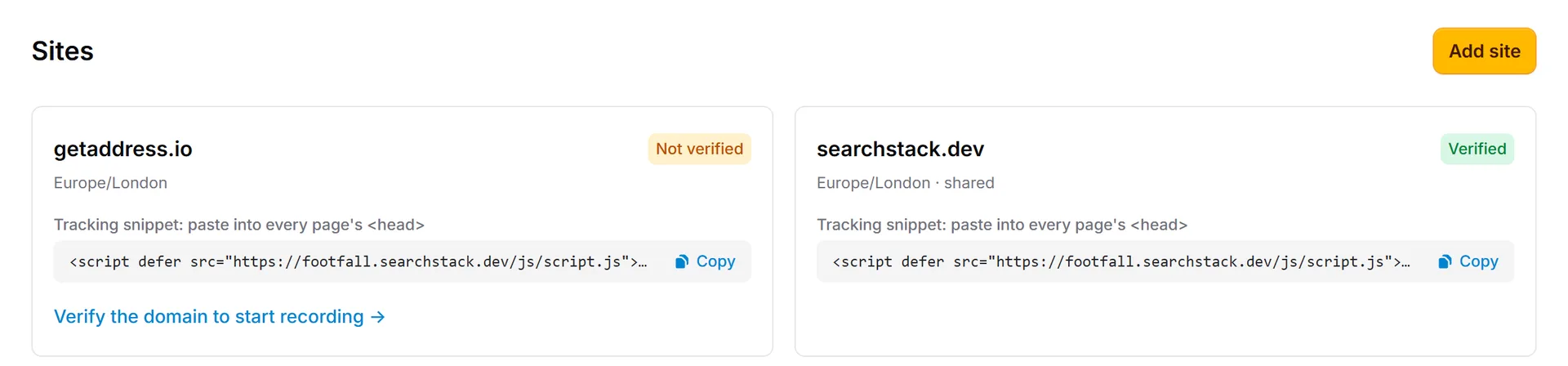
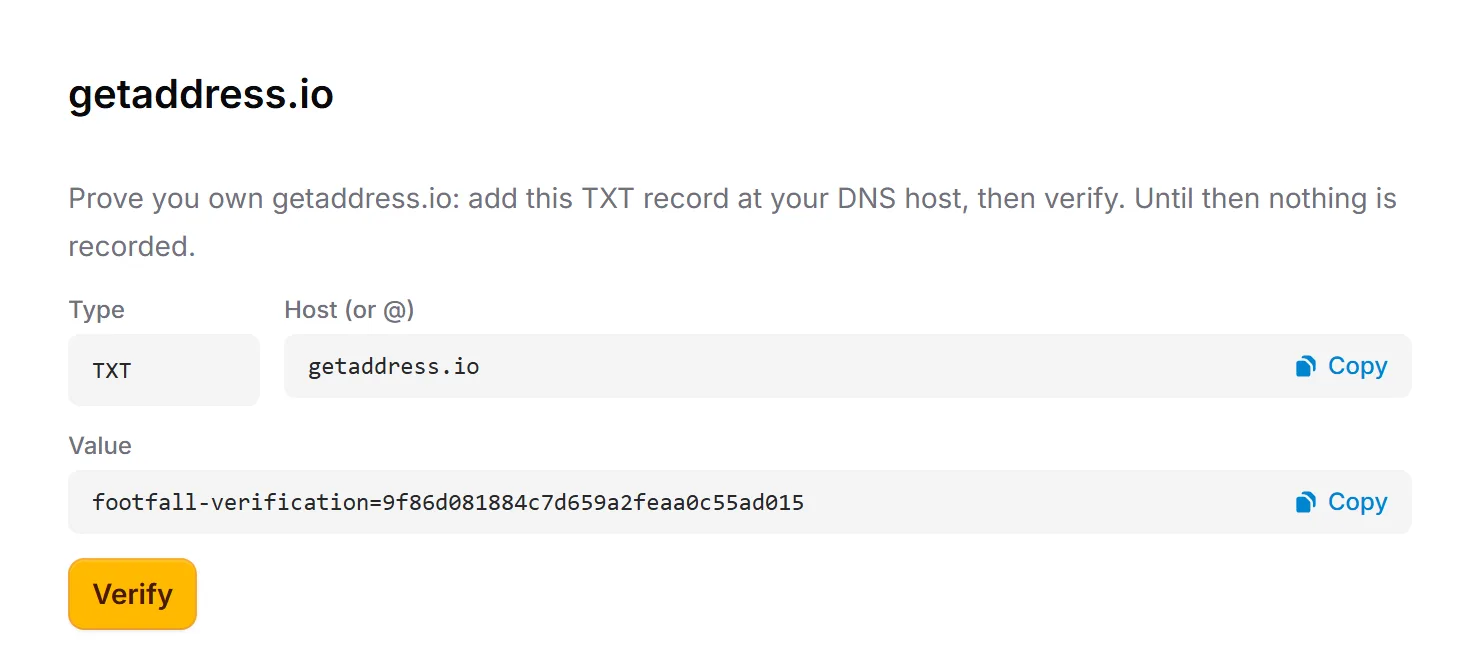
2. Verify
Add the TXT record at your DNS host, then press Verify. Nothing is recorded until you do.
3. Install
Paste into every page's <head>:
<script defer src="https://footfall.searchstack.dev/js/script.js"></script>4. Read the dashboard
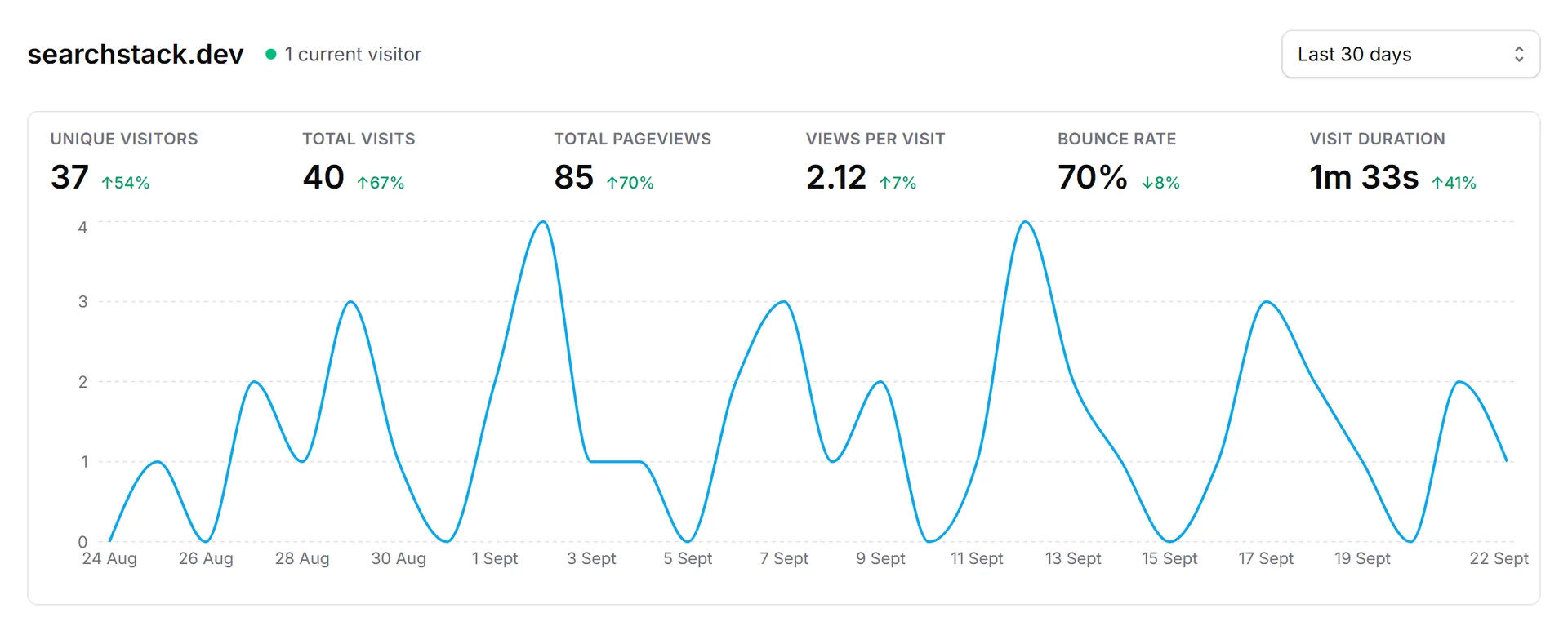
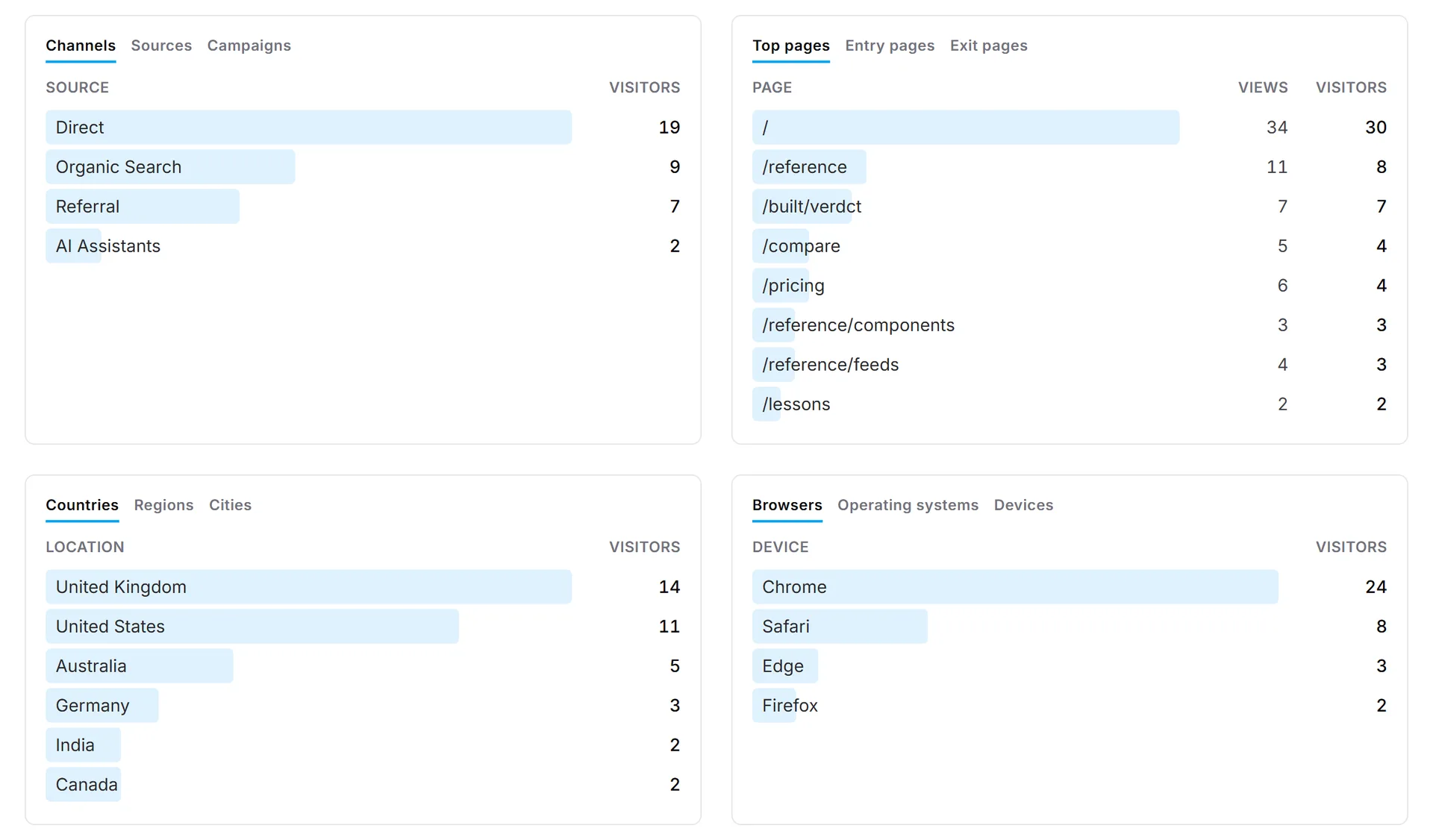
Click any row to filter.
5. Goals
A goal is an action you want visitors to take. Each time one happens it's counted in the Goals panel.

- Counted for you: outbound link clicks, file downloads, form submissions.
- Uniques = visitors who did it · Total = times it happened · CR = share of all visitors.
- Nothing else happens: no emails or alerts.
Add your own
Call footfall() with a name when the action happens. The name becomes a row in the panel.
footfall('Signup');
footfall('404');   // on your not-found page
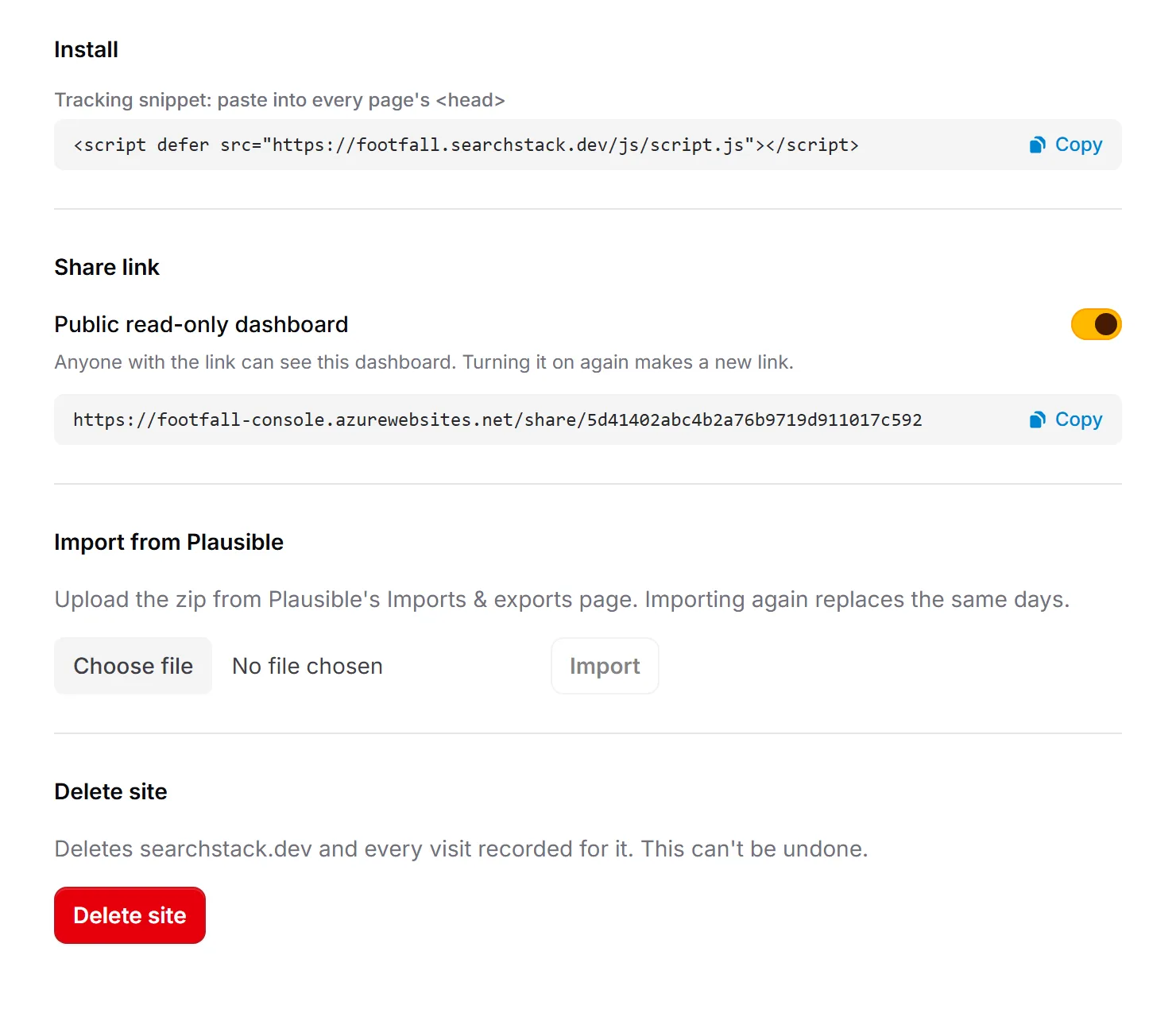
6. Share, import, delete
On the site's page: a public read-only link, a Plausible export upload, and delete.
Privacy
- No cookies or storage on the visitor's device.
- Visitors are a hash that changes daily. IP addresses are never stored.
localhostand bots aren't counted.